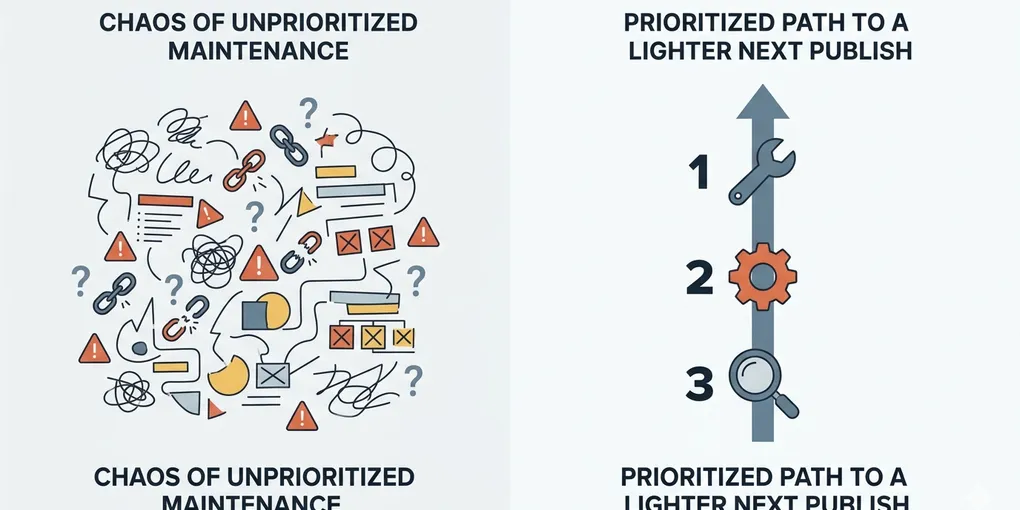
What to Fix First When a Solo Website Needs Maintenance Only
A maintenance-only day can still disappear without fixing anything important. You sit down knowing this should not be a publishing day, but then you spend an hour renaming files, checking one optional setting, half-cleaning a note, and touching five small things that do not make the next publish meaningfully easier.
This is the real follow-up problem after knowing when to stop publishing and do maintenance only. The mode is correct, but the order is still weak. A maintenance day only works if the work reduces the next publishing cost instead of just creating the feeling of being busy.
Core claim: A good maintenance day starts with the work that makes the next clean publish easier, not the work that feels easiest to finish today.
1. The common mistake is using a maintenance day for visible but low-leverage work
Once operators decide not to publish, they often slide into random cleanup. The work feels responsible because it is maintenance-shaped, but the sequence is weak. Small cosmetic tasks get done while the real blockers for the next publish remain untouched.
The visible problem looks like “I did maintenance all day but the system still feels heavy.” The real problem is that the day was not prioritized by leverage. It was prioritized by convenience.
This matters because a solo operator has limited recovery windows. If a maintenance day does not remove future drag, then the next writing day is still bent before it begins.
2. Start with the work that reduces the next publish cost the most
This is the section that matters most. A useful maintenance day is not a general cleanup block. It is a targeted cost-reduction block. The first question is not “What is broken?” but “What, if fixed today, will remove the most friction from the next complete publish cycle?”
Loose ends from the previous publish come first
If the last publish left unfinished review notes, missing internal links, unresolved image handling, or deployment checks that were never closed, start there. Open loops leak attention into every future session.
User-path breakage beats internal tidiness
A broken mobile form, dead navigation path, missing feed, or obvious page issue should usually beat internal organization chores. If users or crawlers hit the damage directly, the cost is already live.
Repeated friction deserves more priority than one-off annoyance
If one task will save effort every week, it usually deserves attention before a one-time cleanup. A rough checklist, unclear publish notes, or messy image handoff may feel less urgent than a visible small issue, but they quietly slow every future cycle.
Blockers for the next publish should be handled before optional cleanup
If tomorrow's publish is likely to stall because image prompts are messy, the review path is unclear, or the content queue is confusing, those blockers belong near the top. Optional hygiene can wait.
The same spirit is consistent with minimum ops mode: protect the loop first, polish later.
Warning: A maintenance day can feel productive while still protecting nothing. If the next publish would be just as heavy tomorrow, today's cleanup order was weak.
3. Use these four buckets before choosing today's maintenance tasks
If you want a reusable frame, sort the work into four buckets first.
- Loose ends from the last publish: unfinished checks, review notes, metadata passes, image follow-ups, deployment confirmations
- Broken user paths: anything a visitor, subscriber, or crawler can hit directly
- Repeated operating friction: recurring steps that keep slowing every new publish
- Next-publish blockers: missing structure, missing assets, or unclear workflow that will stop the next release unit
These buckets matter because they force you to choose by future weight, not by today's mood. When the list is long, the best first task is usually the one that makes several later tasks smaller.
For example, cleaning a stale review checklist may outrank renaming asset folders if that checklist is what keeps causing sloppy handoffs every week. Fixing one broken mobile CTA may outrank reorganizing notes because the breakage is already live and public.
4. A weak maintenance day and a strong one look very different
Imagine you have one stale internal-link pass, one unresolved mobile footer issue, one messy image prompt file, and one content queue that no longer reflects what is actually next.
A weak maintenance day starts with the image prompt file because it feels self-contained, then tweaks queue labels, then cleans some old notes. At the end of the day, the footer issue is still live and the previous publish cycle is still not fully closed.
A stronger maintenance day starts by closing the mobile footer issue, then finishes the stale internal-link pass from the previous publish, then rewrites the one workflow note that is slowing the next publish. The list may look shorter, but it removes more future drag.
| Weak maintenance day | Strong maintenance day |
|---|---|
| Starts with easy isolated chores | Starts with live or repeated friction |
| Reduces visible mess only | Reduces the next publish cost |
| Feels busy | Makes tomorrow lighter |
One more example makes the rule clearer. If you have a half-written draft waiting, it can be tempting to polish that draft “a little” on a maintenance day. But if last week's deployment checks are still unresolved, that polish is often fake progress. Close the old cycle first.
5. Keep one maintenance-day checklist
You do not need a complex system. One short checklist is enough:
Before picking today's maintenance tasks, list: one unresolved item from the last publish, one live user-path issue, one repeated operating friction, and one blocker for the next publish. Start with the item that removes the most future drag, not the one that feels easiest.
If the list is still too long, add one more rule:
Prefer anything that closes an open loop, fixes live breakage, or prevents the next publish from starting heavy.
What to do first
If today is a maintenance-only day, write down three items in order: one old loose end, one live break, and one repeated friction point. If your first task does not make the next publish lighter, reorder the day before you start.