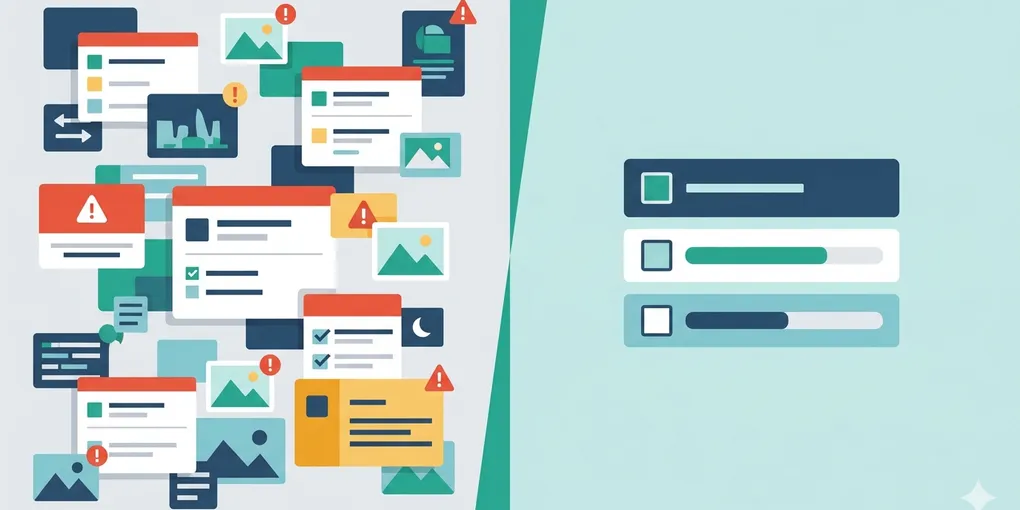
How to know when to stop publishing and do maintenance only
You sit down to write the next post, but the week already feels slightly bent. One draft is half-edited, two internal links are stale, a form broke on mobile, and yesterday's publishing notes are still unresolved. You tell yourself a new post will restore momentum. By the end of the day, the new post is weak, the maintenance debt is still there, and next week starts heavier than the last one.
This is the core claim: some weeks should not produce a new post at all. For a solo website, maintenance-only mode is not a failure week. It is a protective mode that keeps publishing from becoming fake progress.
1. People usually misread a maintenance week as a motivation problem
Most solo operators treat skipped publishing as a discipline failure. That reading is comforting because it turns a structural problem into a personal one. But the real issue is usually mode confusion. The site is asking for recovery, repair, cleanup, or backlog reduction, while the operator keeps trying to force it through a publishing workflow.
A healthy system does not need a new post every time you sit down to work. It needs the right mode for the actual state of the system. If the backlog is already distorting the week, trying to ship another post can make both content quality and site reliability worse.
2. The key question is not “Can I write something?” but “Will a new post make the system heavier?”
This is the main section. A lot of solo websites keep publishing past the point where publishing is helping. The operator still has enough energy to write a draft, so it feels like a writing week. But the system underneath tells a different story: old maintenance items are stacking, publishing chores are unfinished, and the real cost of shipping has already started to spill into the next week.
That mismatch matters because a solo site has no buffer team. When you publish into backlog pressure, the cost does not disappear. It rolls forward. A missed link update becomes two missed link updates. One unresolved mobile issue turns into a reason not to trust the site fully. A half-finished review process makes the next post slower before it even starts. The operator often experiences this as vague tiredness, but it is really system weight.
The turning point is learning to recognize when a maintenance-only day protects future publishing better than another rushed article. The goal is not to publish as often as possible. It is to preserve a publishing rhythm that does not quietly destroy the rest of the operating system around it.
Once you read the week that way, the choice changes. Maintenance-only mode is not “I failed to write.” It is “I refused to make the next week heavier.” That framing is what keeps quality from collapsing under the pressure of false consistency.
3. Use these decision criteria before you start a new post
If two or more of these are true, the day is probably better used for maintenance-only mode.
- You still have unresolved work from the previous publish cycle such as image cleanup, internal links, metadata, review notes, or deployment verification.
- A visible site issue is already distracting you before writing starts, because it means the system is asking for repair, not expansion.
- The new post would be built on unfinished structure, such as stale templates, broken process notes, or a messy content queue.
- You can draft today, but you cannot realistically finish a complete release unit without pushing cost into next week.
- You are trying to publish mainly to avoid the feeling of “falling behind,” not because the system is ready to carry another post cleanly.
4. A concrete example makes the difference obvious
Imagine a solo operator who planned to publish on Thursday. By Wednesday night, one old post still needs an internal link pass, Search Console notes from last week are unresolved, and the image workflow for the next draft is already taking longer than expected. In the old mindset, Thursday still becomes a publishing day because “otherwise the rhythm breaks.”
In the better mindset, Thursday becomes a maintenance-only block. The operator fixes the stale links, closes the Search Console notes, cleans the publishing checklist, and makes the next draft easier to finish. No new post appears that day, but the system becomes lighter. The following publish cycle is faster, cleaner, and less mentally expensive. That is a win, not a loss.
5. Use a short maintenance-only trigger checklist
Ask these four questions before you open a new draft:
- Is the previous publish cycle actually closed?
- Is there an unresolved issue already pulling attention away from writing?
- Would publishing today reduce clarity or increase next week's weight?
- Will cleanup today make the next post materially easier to ship?
If the answer is yes to the last two, stop calling it a writing day. Protect it as a maintenance day.
What to do first
Look at the last post you shipped and list every loose end it still left behind. If the list is long enough to bend today’s writing block, do not open a new draft. Close the old cycle first and treat that as real progress.