How to run a minimum ops mode for solo websites
Solo websites often do not fail during normal weeks. They fail during tired weeks, busy weeks, and distracted weeks, when the operator no longer has enough time or energy to run the full routine.
That is why a solo site needs more than a normal maintenance checklist. It also needs a fallback mode: the smallest operating routine that still keeps the site alive.
This post is about defining that minimum ops mode. The goal is not to do everything with less energy. The goal is to protect the site when energy is low without pretending that every task is equally urgent.
1. The common mistake is treating every week like a full-capacity week
Many solo operators build routines as if they will always have the same energy. That works for a short time, then collapses when the first low-capacity week arrives.
The problem is not lack of discipline. The problem is lack of fallback design. If there is no smaller operating mode, the site swings between “doing everything” and “doing nothing.”
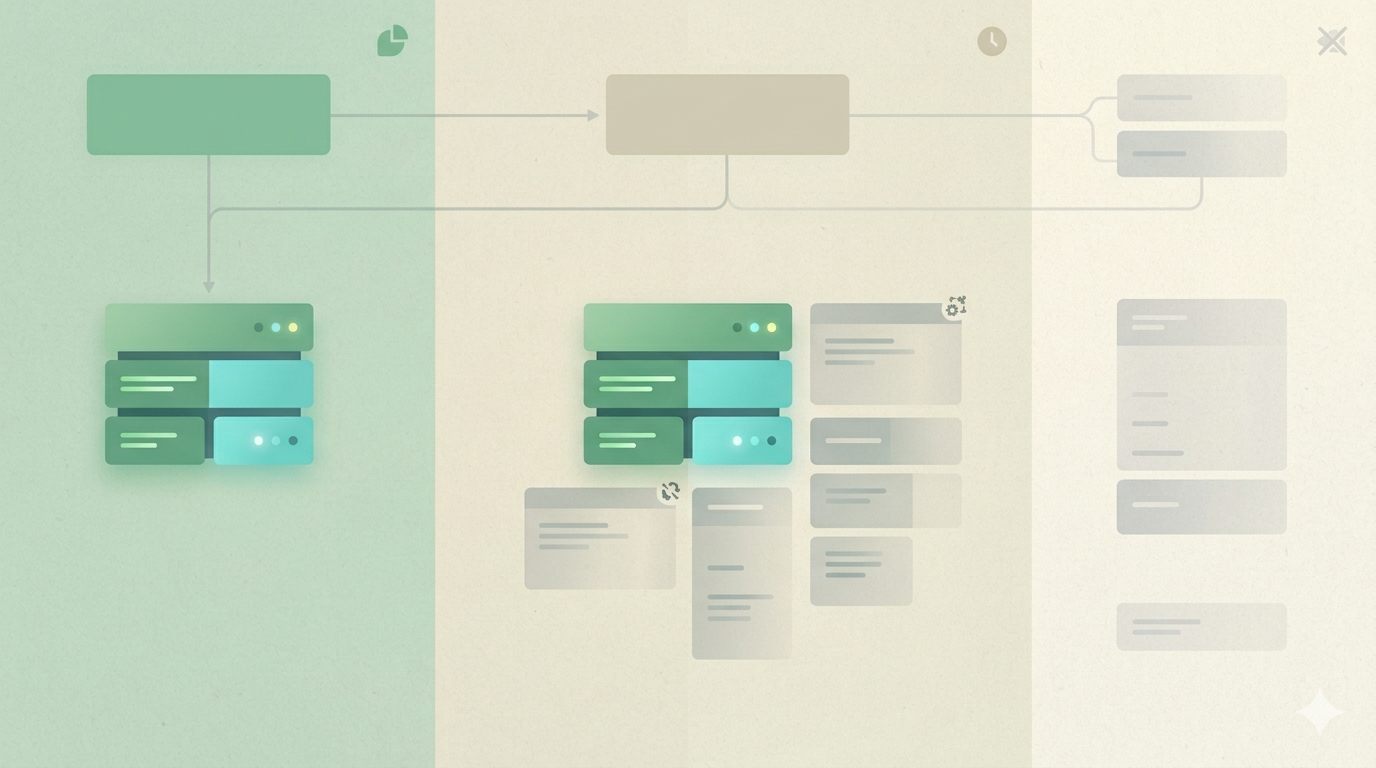
2. A minimum ops mode works only when essential, deferable, and skippable tasks are clearly separated
This is the core design change. A low-energy routine is not just a shorter to-do list. It is a different operating mode with a different boundary.
That means the operator needs to know which tasks protect trust immediately, which tasks can wait one cycle, and which tasks are safe to skip for now. Without that separation, low-energy weeks still become negotiation weeks, and negotiation is often what drains the remaining energy fastest.
This is where many solo sites silently break. A person tries to keep writing, reviewing, updating design details, checking analytics, cleaning tags, fixing internal links, and replying to admin tasks all inside the same reduced week. Because none of those jobs are clearly ranked, the important ones do not get protected first.
A better minimum mode starts by protecting only what keeps the site credible and usable. Does the homepage still open correctly? Does the latest important page still load? Is the feed or sitemap still alive if that matters to the site? Is one core communication path still working? Those are often enough to keep continuity.
Everything else should be demoted on purpose. That includes nice-to-have cleanup, backlog grooming, design refinements, low-value analytics reading, and content upgrades that do not change the next week’s outcome. A minimum ops mode becomes sustainable only when it explicitly allows some work to stay undone.
That is why this is less about productivity and more about boundary design. The site survives not because the operator becomes more heroic, but because the system gets smaller in a controlled way.
3. Keep the essential layer very small
For most solo sites, the essential layer can stay inside three to five checks:
- homepage or one core entry page opens correctly
- latest important post or page still loads
- one trust surface still works: form, feed, or sitemap
- one quick check confirms that the last deploy did not quietly break the public site
If the minimum mode grows too large, it stops being a fallback mode.
4. Write down what gets deferred on purpose
Deferring work is safer when it is explicit. Theme polishing, minor copy cleanup, tag restructuring, and non-urgent analytics review can often move out of the minimum mode.
That matters because unclear deferral creates guilt, while clear deferral creates a stable temporary boundary.
5. One concrete low-energy week is enough to define the mode
Imagine a week where you have enough energy for only twenty minutes. A weak system still asks you to decide everything again. A stronger system says: open the homepage, open the latest post, verify one trust surface, and stop there unless something fails.
That difference is what makes the site feel maintainable instead of fragile.
What to do first
Take your current weekly routine and split every task into essential, deferable, or skippable. If you cannot finish the essential layer in a low-energy week, the minimum mode is still too big.