How to Decide What Not to Fix on a Solo Website Maintenance Day
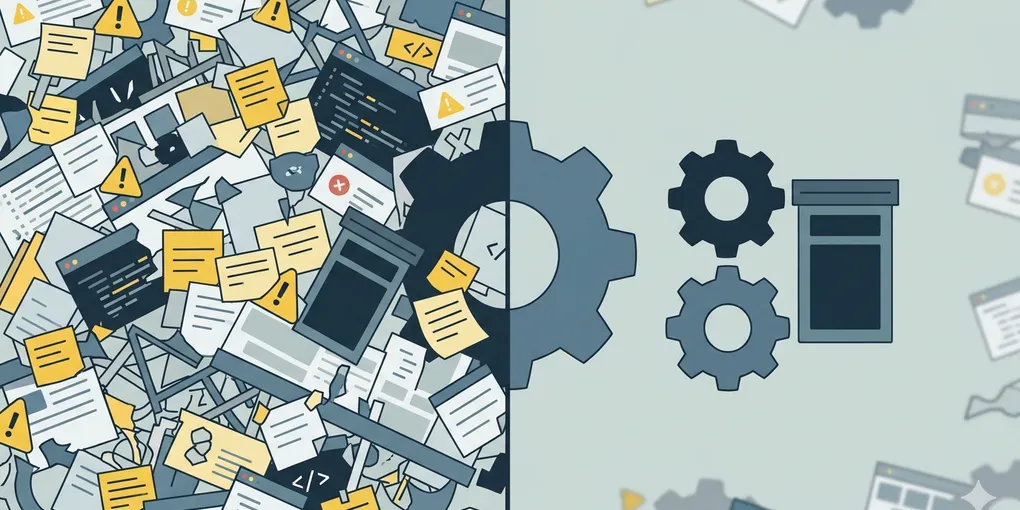
A maintenance day can fail before it starts. The backlog is long, every item looks responsible, and once you begin, the list keeps expanding. You call it maintenance, but what really happens is scope collapse. By trying to touch everything, you protect nothing.
This is the next problem after deciding what to fix first on a maintenance-only day. Even with a priority order, the day still gets heavy if you never decide what to leave alone.
Core claim: A strong maintenance day is not defined only by what you fix. It is also defined by what you deliberately do not touch today.
1. The common mistake is treating every maintenance item as morally urgent
Once solo operators enter maintenance mode, they often start acting as if every backlog item has the same claim on the day. It feels responsible to “clean everything a little,” but that is usually how the whole session gets diluted.
The visible problem looks like “my maintenance list is too long.” The real problem is that the list has no exclusion rule. If nothing gets actively cut, maintenance grows to fill the whole day and still leaves the next publish heavy.
This is where many solo sites get trapped. Small visual cleanup, minor note organization, one more metadata pass, a low-impact config idea, and a draft-related polish task all start looking equally reasonable. They are not equally expensive, and they are definitely not equally necessary today.
2. Leave it alone if it causes no live damage, low repeat cost, and no next-publish block
This is the main rule. If an item is not currently harming users, does not repeatedly tax every future publish, and will not block the next release, it is usually safe to leave alone for now.
No live user damage
If visitors, subscribers, or crawlers are not directly paying the cost today, the item loses urgency. Cosmetic discomfort is not the same as live breakage.
Low repeat cost
Some tasks feel annoying but almost never reappear. Others quietly slow every publish cycle. Low-repeat annoyance can wait more easily than recurring workflow drag.
No next-publish block
The key question is simple: if you skip this today, does the next publish get stuck? If the answer is no, the task may be a valid deferral candidate.
Cheaper when batched later
Some cleanup is simply cheaper in a future batch. Dependency refreshes, style polish, note organization, and folder hygiene often become more efficient when grouped instead of sliced into today's maintenance window.
Warning: “I noticed it” is not the same as “I should fix it today.” Many maintenance days break because attention becomes the priority rule.
3. Use four buckets before deciding what to skip
If the backlog feels sticky, sort each item through these four questions first.
- Is there live user-facing damage right now?
- Does this create repeated friction every week?
- Will this block the next publish if ignored today?
- Will it be cheaper if batched with similar work later?
If the answer pattern is no, no, no, yes, the task is often a clear “not today” item. That does not mean it is fake work. It means today is the wrong moment for it.
Fast cut rule: First cut items with no live damage. Then cut items that do not repeat. Then cut anything that will not block the next publish. What remains is the real maintenance scope.
4. A weak maintenance scope and a strong one look very different
Imagine your backlog includes one stale analytics note, one non-critical mobile spacing bug, one broken RSS check, one messy image handoff note, and one half-planned tag cleanup.
A weak maintenance scope keeps all five because each one looks legitimate. That turns the day into scattered partial work.
A stronger maintenance scope cuts the analytics note, spacing bug, and tag cleanup for now, keeps the broken RSS check because it is live and structural, and keeps the messy image handoff note only if it will slow the next publish again this week.
| Weak maintenance scope | Strong maintenance scope |
|---|---|
| Keeps every reasonable task alive | Actively excludes safe deferrals |
| Confuses noticing with urgency | Uses damage and future cost as filters |
| Creates partial cleanup everywhere | Protects a smaller number of important outcomes |
One more example makes the rule clearer. If you spot a button alignment issue on one low-traffic page during maintenance, that does not automatically earn a place today. But if your last publish still has one unresolved feed or verification issue, that alignment fix is almost always the thing to leave alone.
5. Keep one “not fixing this week” prompt
You do not need a complicated filter. One short prompt is enough:
Review this maintenance backlog and tell me which items should not be fixed this week. Prefer deferring anything with no live user damage, low repeat cost, no next-publish blocking effect, and better batching value later.
If the list still feels heavy, add one more line:
Keep only the tasks that protect users now, reduce repeated operating drag, or unblock the next publish cycle.
What to do first
Before starting today's maintenance work, remove three items from the backlog on purpose. If you cannot explain why each one is safe to leave alone, your maintenance scope is still too wide.